
Coordinate Converter
Scan coordinate files or photo folders, detect and convert any GPS format automatically, and export your data in the formats you need.
Overview
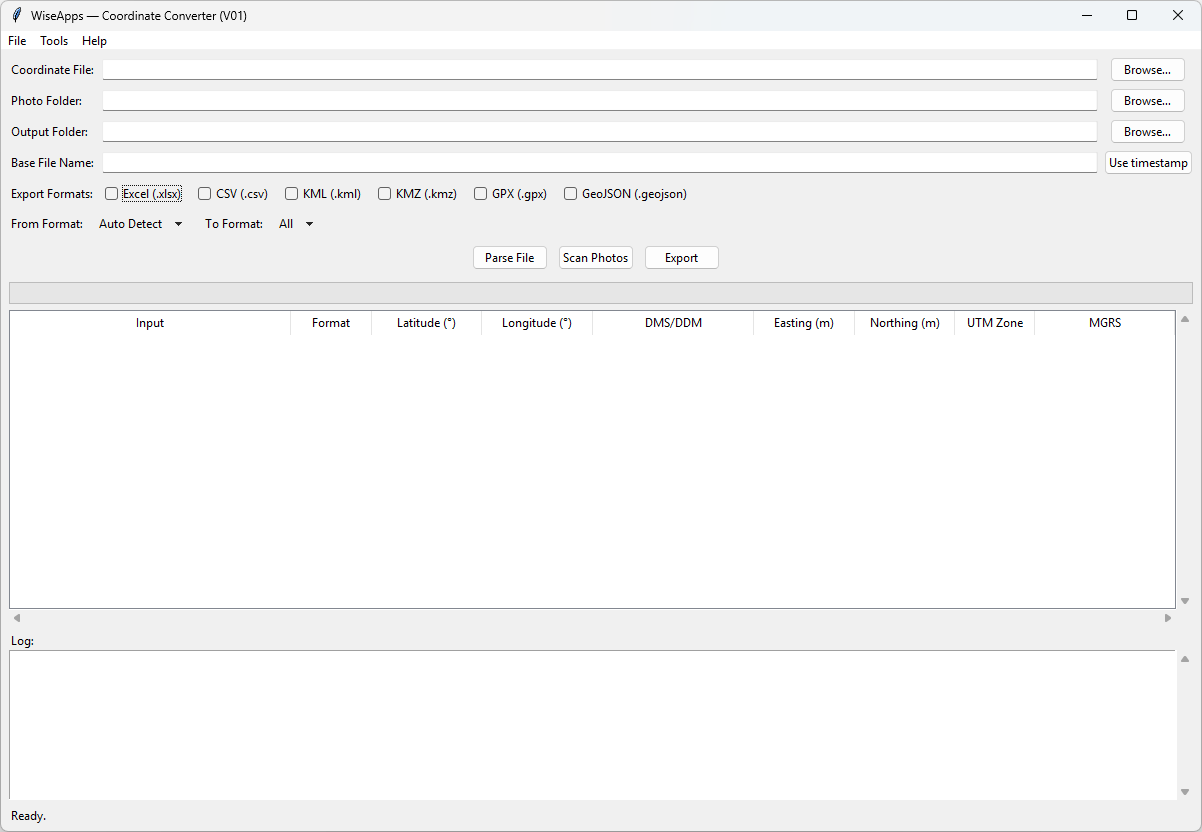
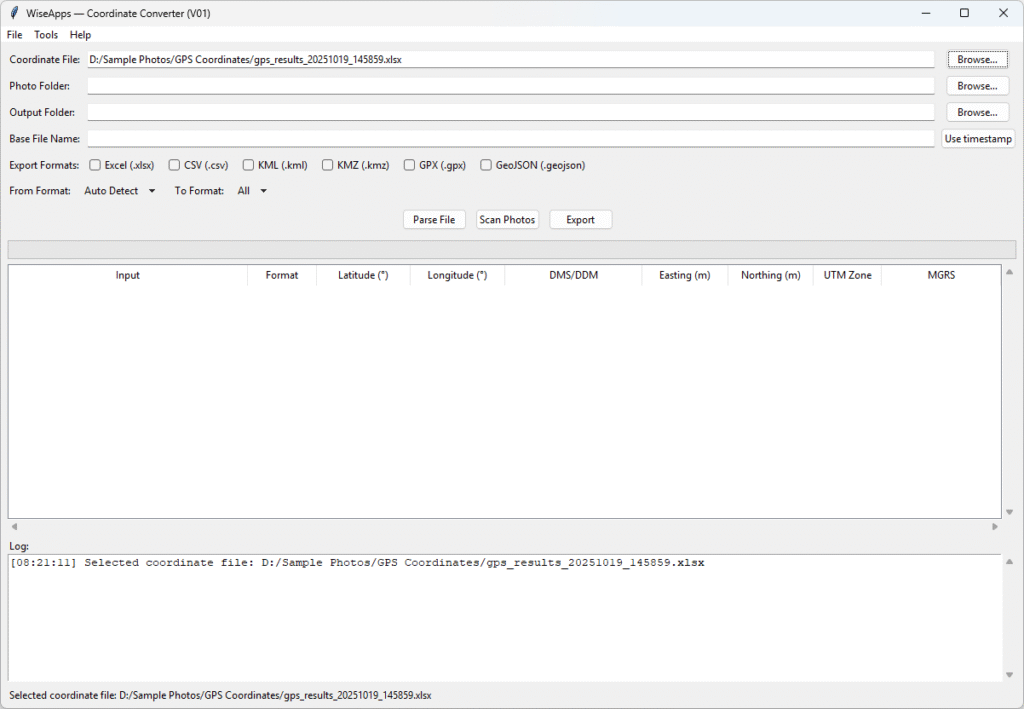
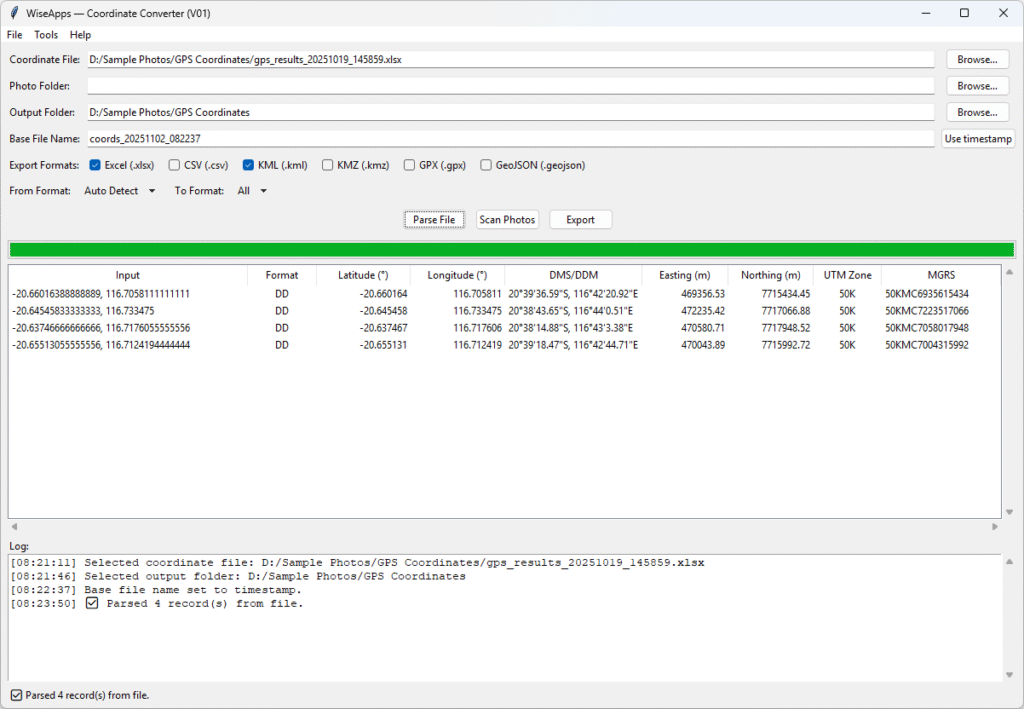
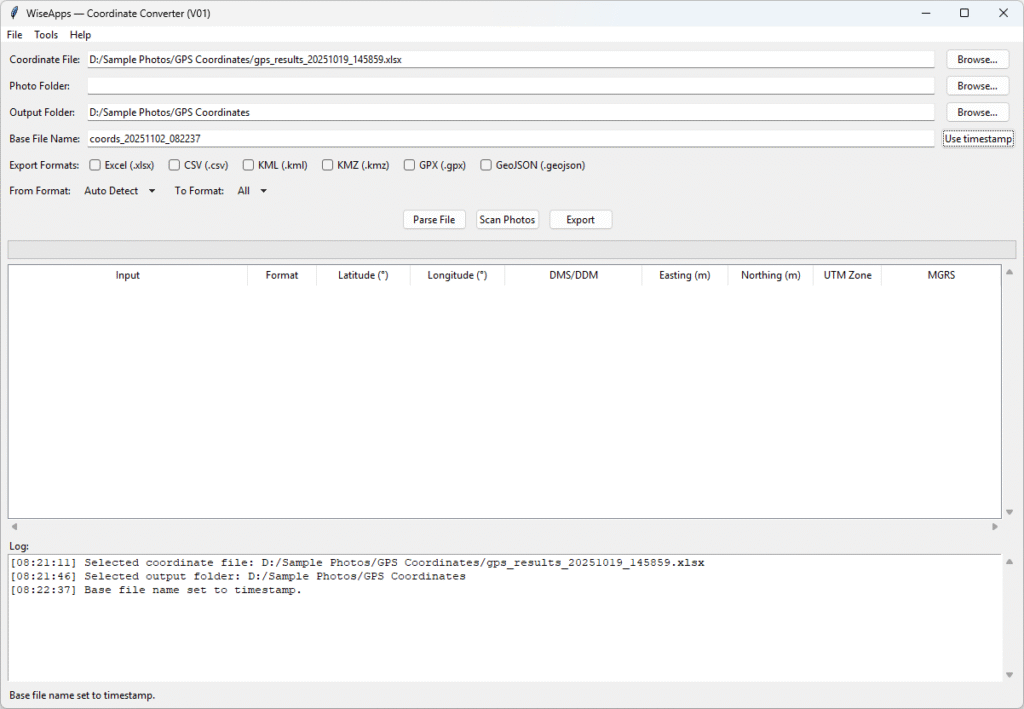
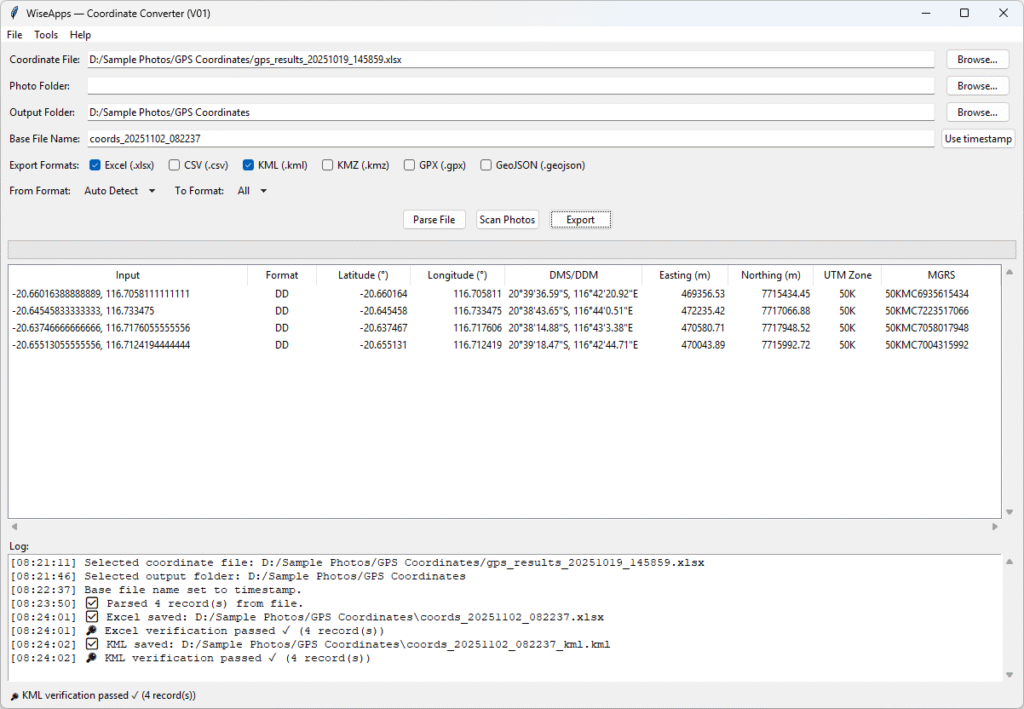
Coordinate Converter is a standalone desktop utility that reads coordinate files or photo metadata, intelligently detects GPS formats, and converts them into standardized forms — all locally on your machine.
Version & Release Notes:
| Category | Details |
| Product | Coordinate Converter |
| Brand | WiseApps |
| Version | V01 |
| Build Date | 2025-10-08 |
| Release Type | Initial stable release |
System Requirements:
| Category | Details |
| Supported Platforms | Windows 10 / Windows 11 (64-bit only) |
| Input Types | Excel spreadsheets (.xlsx), CSV (.csv), Image files with GPS metadata |
| Supported Image Formats | JPEG (.jpg/.jpeg), TIFF (.tif/.tiff), HEIC, PNG, WebP (if GPS metadata exists) |
| Coordinate Formats | Automatically detects and converts DD, DMS, UTM, MGRS, and more |
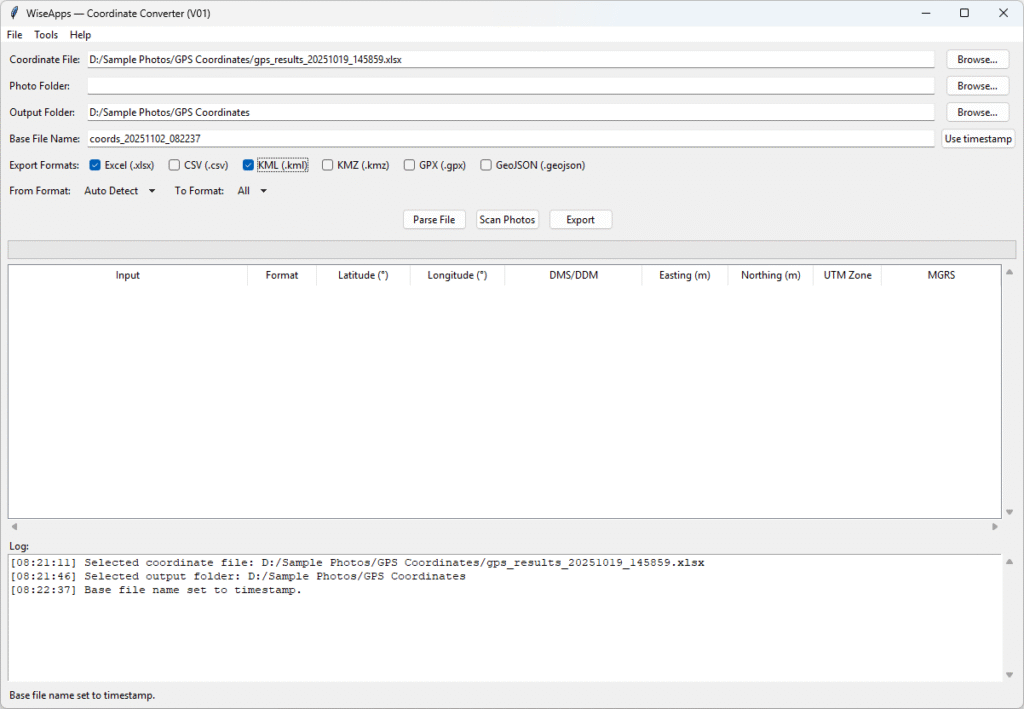
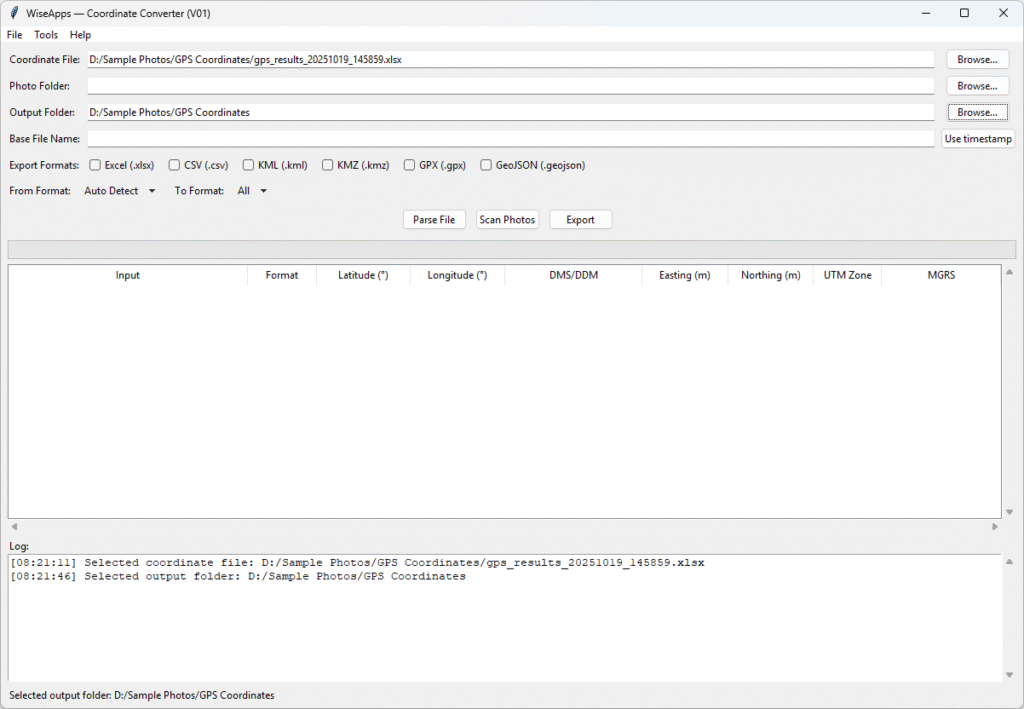
| Export Formats | Excel (.xlsx), CSV (.csv), KML, KMZ, GPX, GeoJSON |
| Installation | No installation required |
| Runtime Environment | Standalone executable with bundled dependencies |
| Internet Connection | Not needed |
We love turning friction into flow. Whether it’s scripting away the repetitive bits or building tools that quietly handle the background tasks, we’re here to help you move faster with less effort.
At WiseApps, we don’t chase trends — we craft purposeful utilities that solve real problems. If something can be automated, streamlined, or simplified, we’ll find a way — and make it feel effortless.