Photo GPS Data Extractor

Scan entire folders of images, extract lat/long/altitude, and export your findings in the formats you need.

Overview

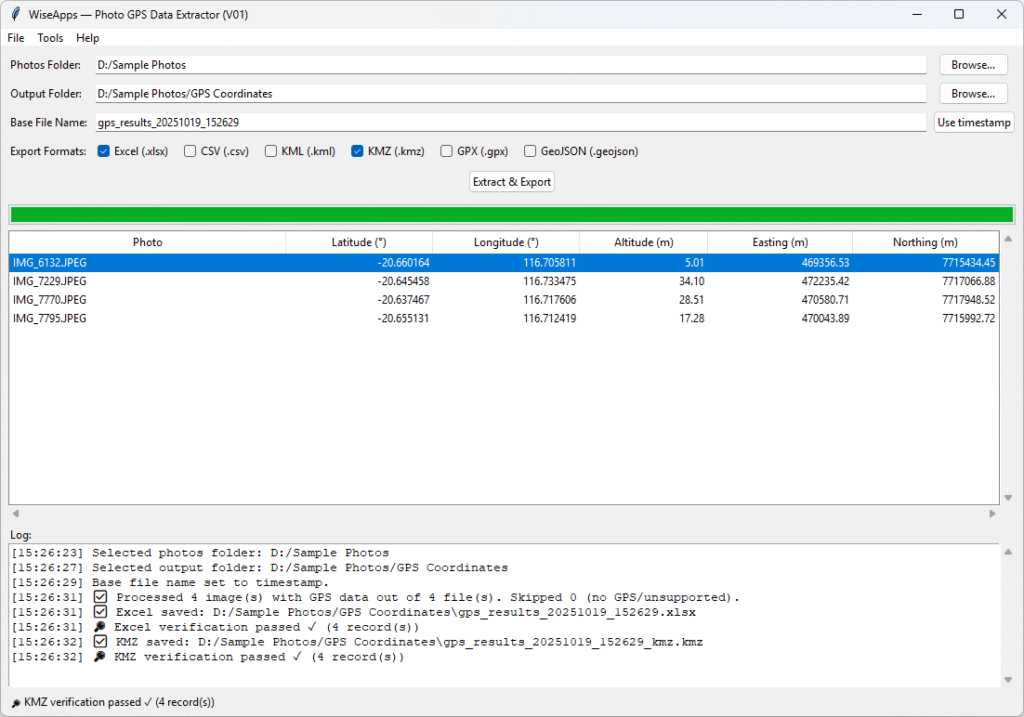
Photo GPS Data Extractor is a standalone desktop utility that scans image files for embedded GPS coordinates and exports the results to various formats, with all processing performed locally.
Batch EXIF scanning:

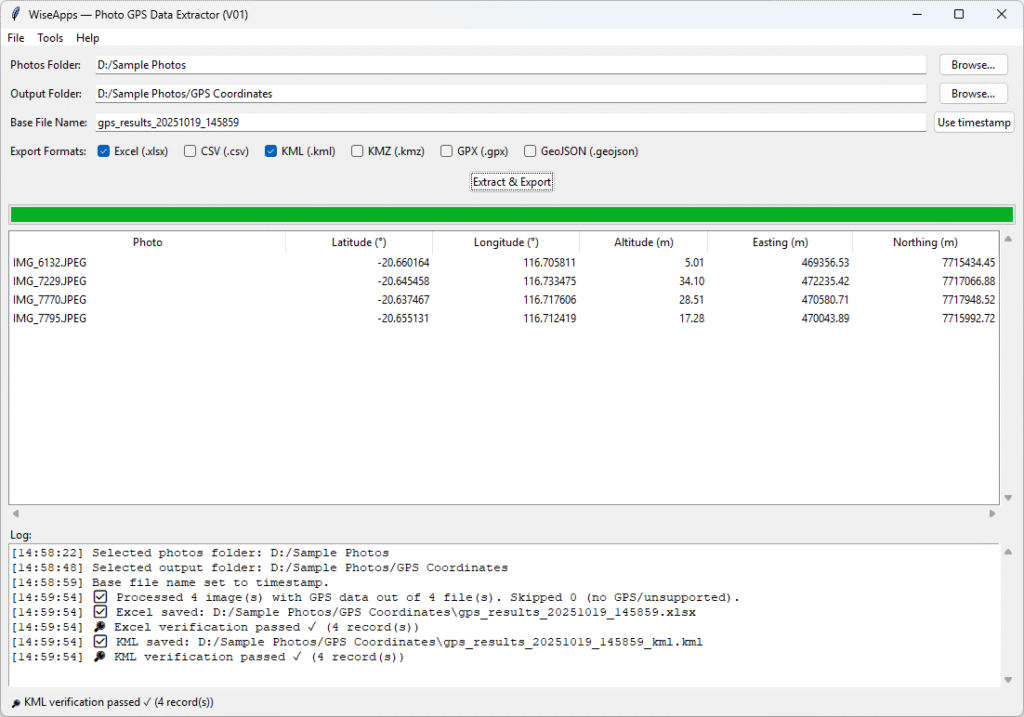
Scans entire directories (including subfolders) of images (JPEG, PNG, TIFF, HEIC, etc.) and reads the embedded GPS metadata to extract each photo’s latitude, longitude, and altitude.

UTM coordinate conversion:

Optionally converts latitude/longitude coordinates into UTM (Universal Transverse Mercator) coordinates (easting, northing, zone) for each photo, supporting workflows that require projected map coordinates.

Minimal user interface:

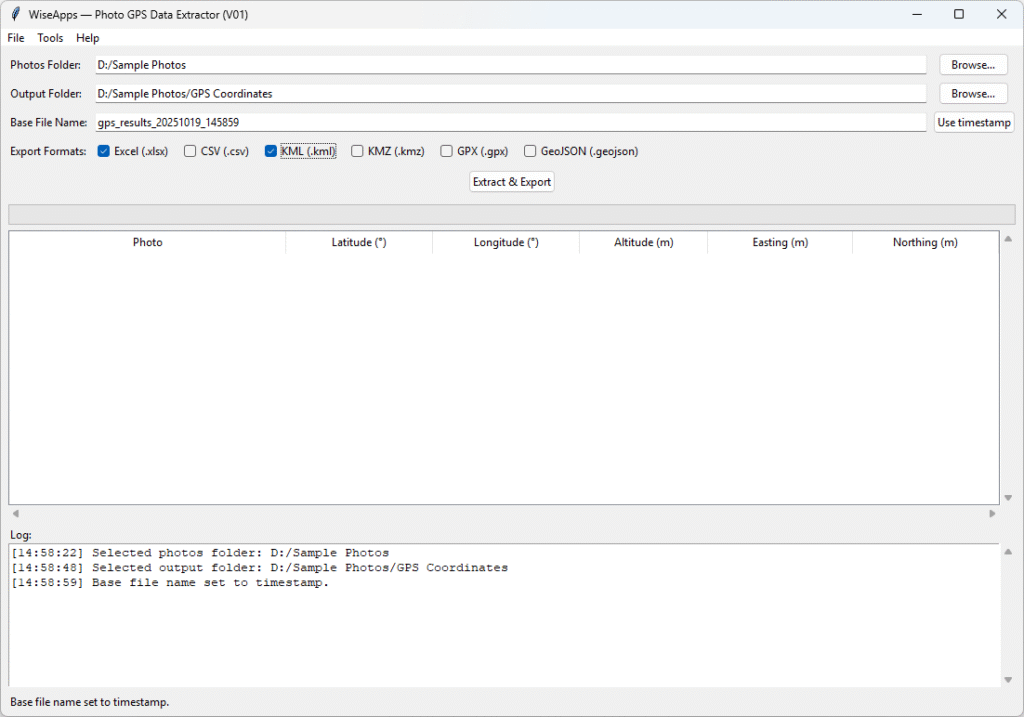
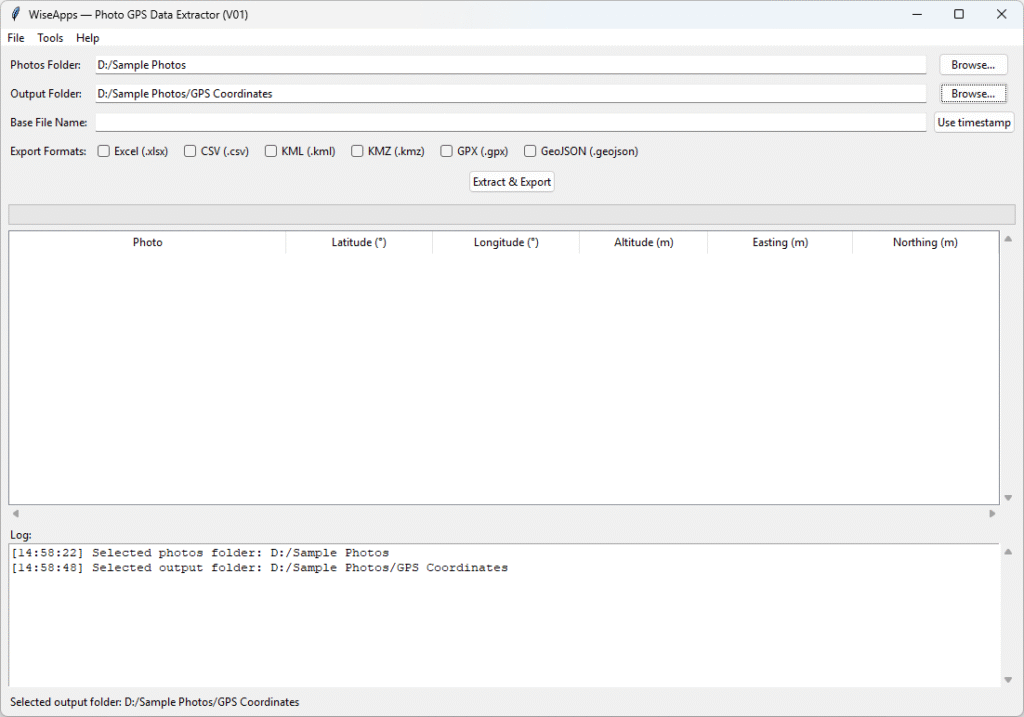
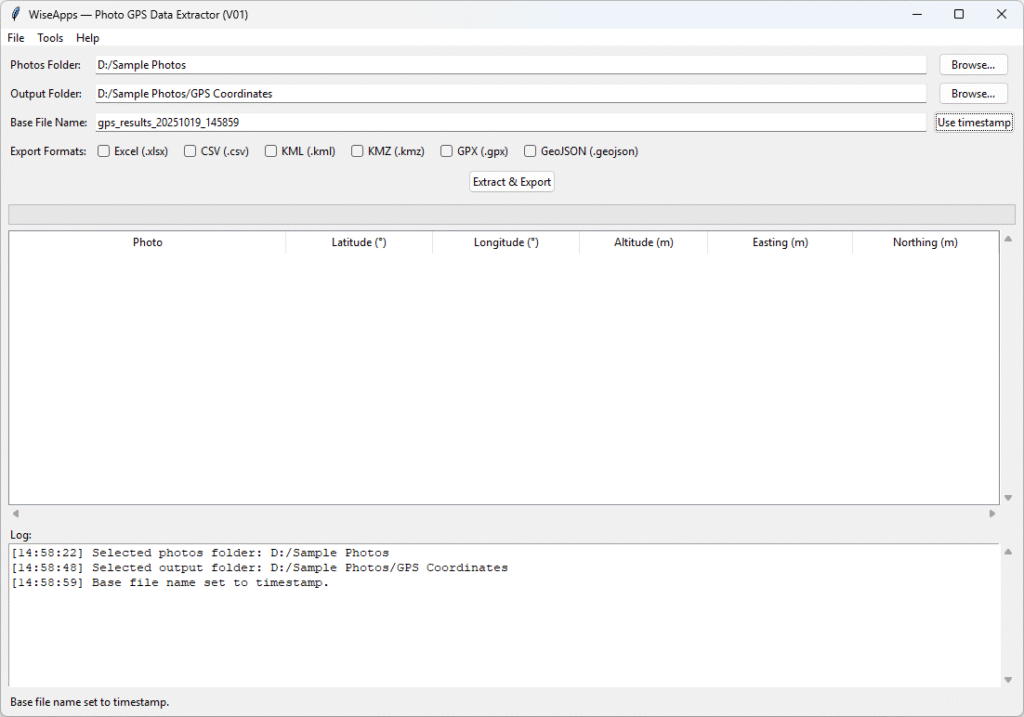
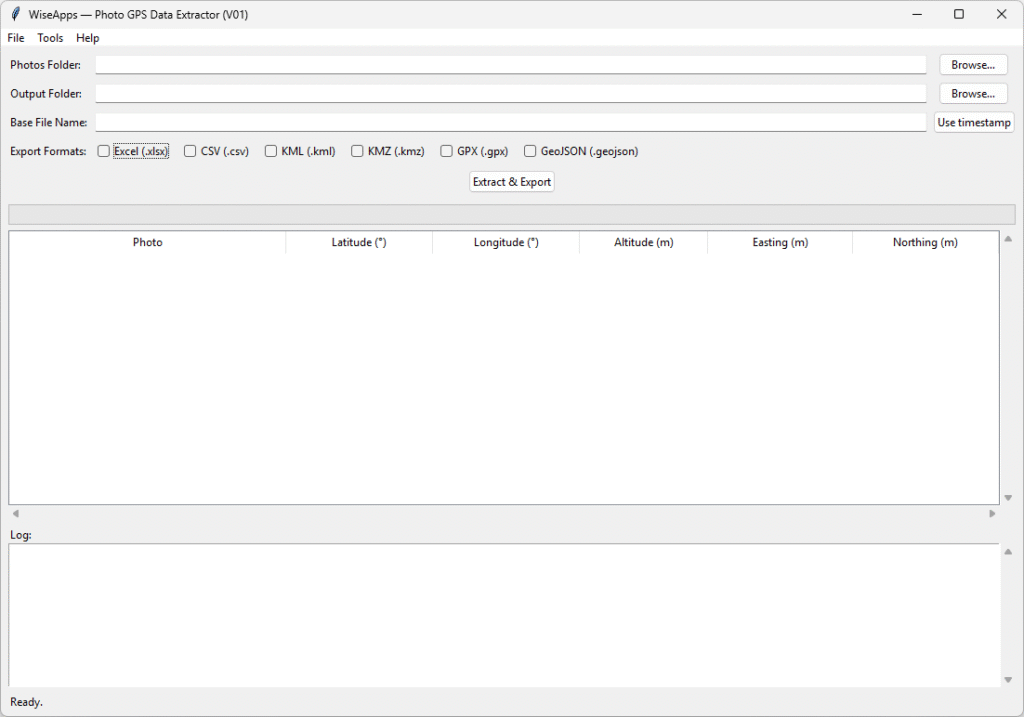
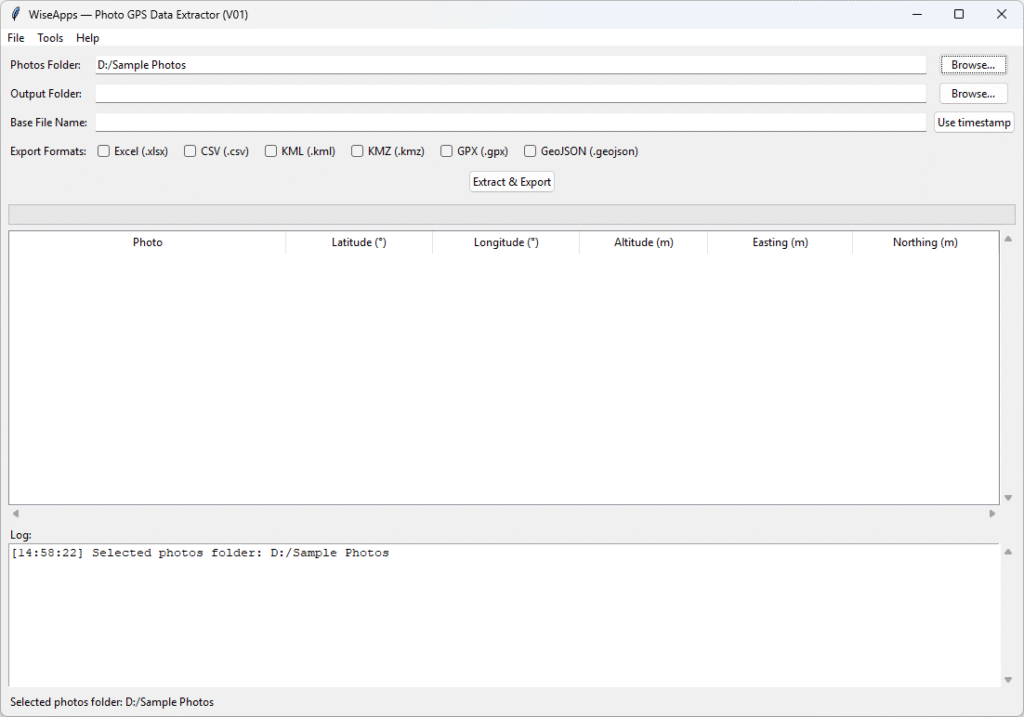
Features a lightweight GUI with simple controls for selecting the input folder, output location, base file name, and desired export format(s). Batch processing is streamlined – after choosing options, the tool processes all images in one go and produces the output files.

Multiple export formats:

Saves extracted location data to Excel (.xlsx) spreadsheets, CSV text files, KML/KMZ (for Google Earth), GPX, and GeoJSON formats. This allows easy integration with mapping tools, GIS software, or further data analysis.

Offline, standalone operation:

Runs entirely on your local machine with no network connectivity needed, ensuring that all photo data stays private and never leaves your computer. The tool does not use any cloud services or external APIs.

Thoughtful Tools. Built to Work.

We build the tools we wish existed — lightweight, focused apps that automate repetitive tasks without getting in your way. We believe software should serve you, not the other way around. Our mission is to remove friction from your digital life by offering single purpose solutions that are simple, powerful, and privacy first.

wiseapps photo gps data extractor v01 ui

Need Help Getting Started? Photo GPS Data Extractor User Guide

Our step-by-step User Guide with screenshots walks you through the entire process — from selecting your photos folder to exporting GPS data into Excel, KML, or CSV formats.

Version & Release Notes:

System Requirements:

We love turning friction into flow. Whether it’s scripting away the repetitive bits or building tools that quietly handle the background tasks, we’re here to help you move faster with less effort.

At WiseApps, we don’t chase trends — we craft purposeful utilities that solve real problems. If something can be automated, streamlined, or simplified, we’ll find a way — and make it feel effortless.

Driven by Simplicity, Powered by Purpose

Smart Simplicity